Remove Any
Background.
Powered by Transformers.js. Your photos never leave your device. No servers, no uploads, no privacy concerns.
Start RemovingBefore & After
Hover over the images to see the transformation



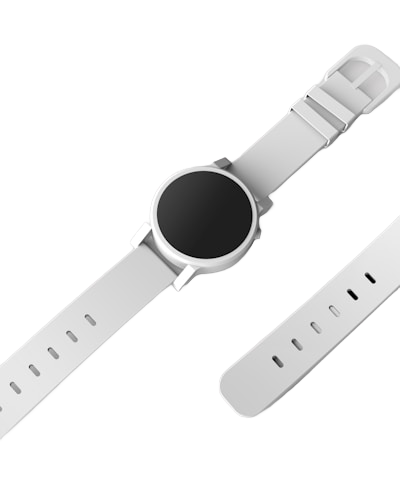


✨ Real examples processed with our AI. Try it yourself!
How It Works
Three simple steps to a perfect cutout
Upload
Drag and drop or click to select your image. Supports JPG, PNG, and WebP.
Process
AI model runs locally in your browser. First use downloads ~50MB model (cached after).
Download
Get your transparent PNG instantly. Perfect edges, ready for use anywhere.
100% Private
Images never leave your browser. No cloud processing, no data collection.
Lightning Fast
After initial model load, processing takes just 2-5 seconds per image.
Perfect Edges
AI-powered segmentation for clean, precise cutouts every time.
Perfect For
Product Photos
Clean backgrounds for e-commerce and catalogs.
Portrait Shots
Remove busy backgrounds from headshots and selfies.
Creative Design
Extract subjects for collages and compositions.
Transformers.js + RMBG-1.4
State-of-the-art background removal model from BRIA AI, running entirely in your browser via WebAssembly/WebGPU.